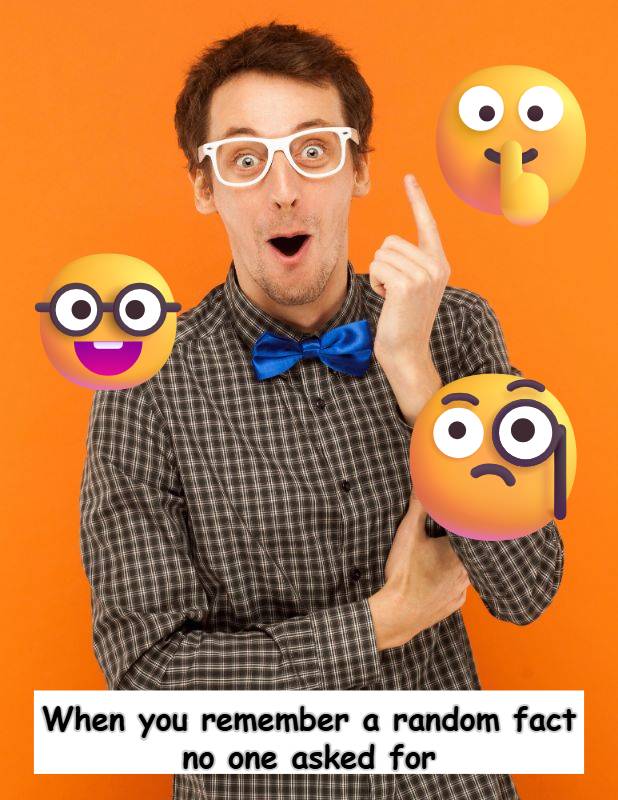
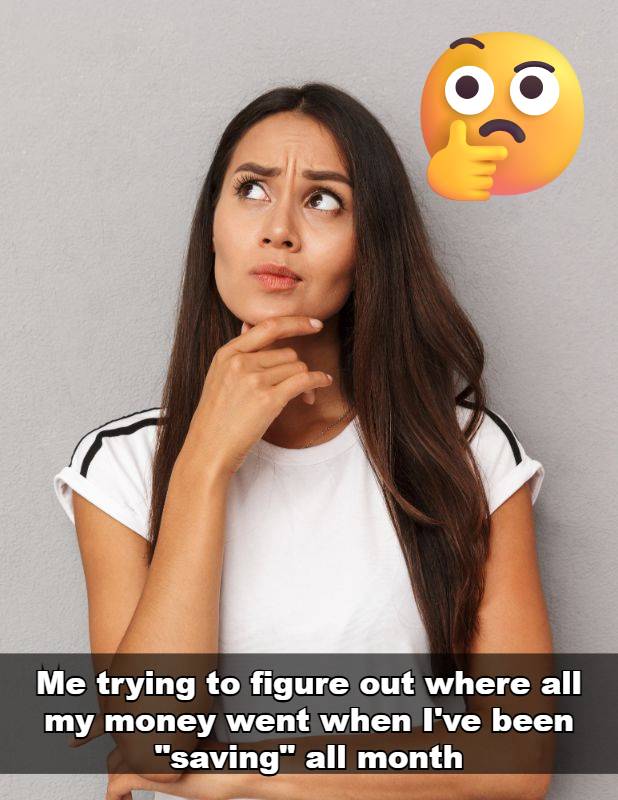
When Someone Drops a Plot Twist

Perfect for surprise moments and sudden reveals. Keep the caption short and punchy.
Create Viral Memes with Your Mood
OR
OR
Selected: 0/3
Mood Mirror is a free, web‑based meme generator that turns your photos and feelings into share‑worthy memes in seconds. It runs privately in your browser—no sign‑up and no image uploads—so you stay in control while you create.
Unlike generic meme tools, Mood Mirror is designed for quick, personal expression: add up to three emojis, pick a caption style, and fine‑tune placement with simple drag and pinch gestures. It’s fast on mobile, friendly on desktop, and respects your privacy.
Mood Mirror shines for quick reactions, inside jokes, community posts, and social stories. Creators use it for daily updates, team chats, school clubs, and brand‑safe fun on social media.
Your images are processed locally in your browser; we don’t upload or store your photos on our servers. For details, see our Privacy Policy and Terms of Service.
No account required. Just open the app, create, and download.
No—image editing happens in your browser. When you download your meme, the file is saved to your device.
Yes. Mood Mirror is free to use. We may show ads to keep the tool free for everyone.
In general, you own the memes you create with your own photos and text. Make sure you have the rights to any images you use and that your content complies with our Terms.
You might have already made a choice. You can update preferences anytime via Cookie Settings. See our Privacy Policy for more info.
Questions or feedback? Visit our Contact page—we’d love to hear from you.
Learn more about the project on our About page, and explore updates via the sitemap: /sitemap.xml.